
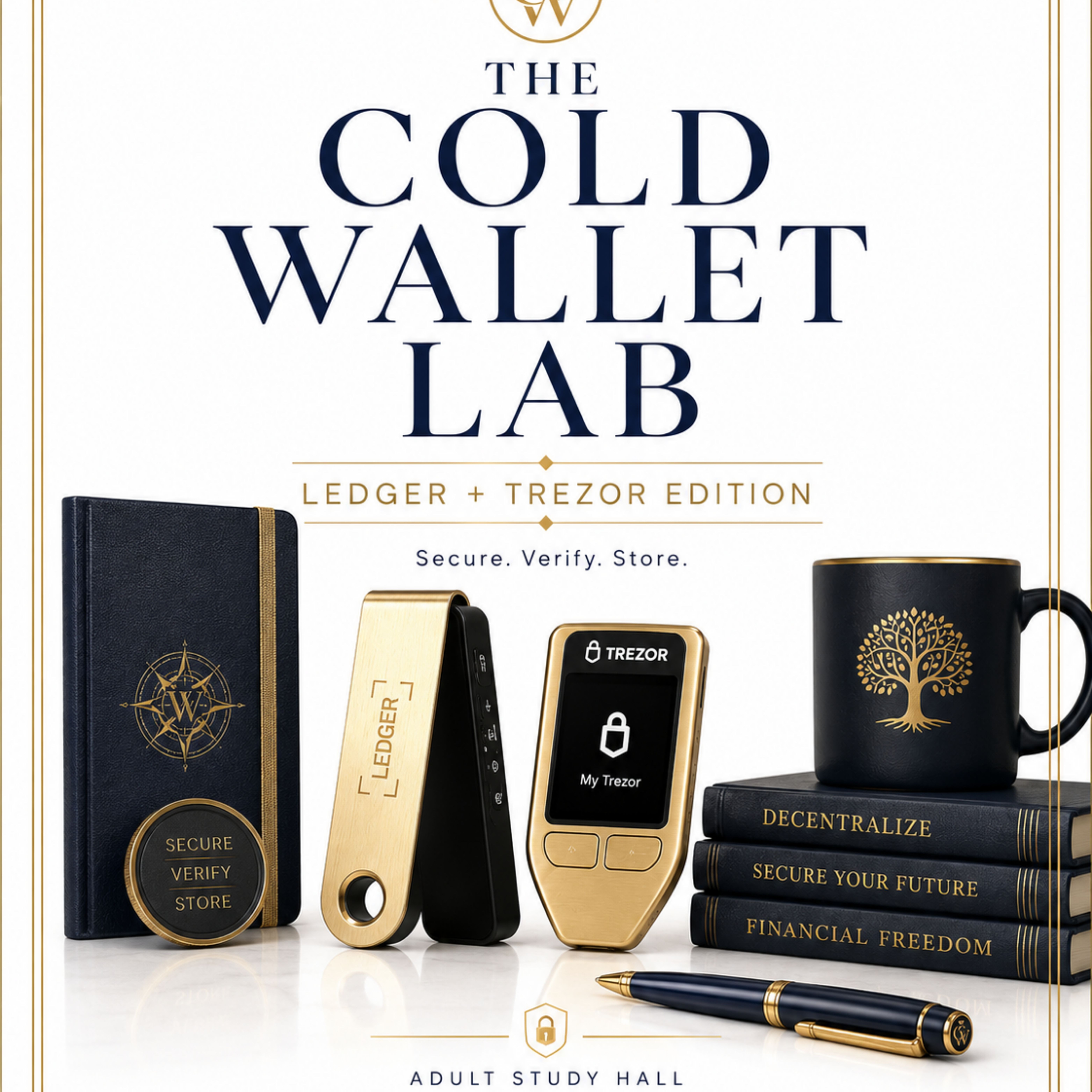
The Cold Wallet Lab™: Ledger + Trezor Edition is a setup-first Adult StudyHall replay for practical crypto holders who want to understand hardware wallets before moving money.
This class walks through the real first-time setup process for Ledger Nano S Plus and Trezor Safe 3, with a strong focus on device safety, recovery phrase discipline, official software, new wallet vs. restore wallet, PIN setup, authenticity checks, and safer cold wallet habits.
This is not a speed run or a tech-heavy crypto lecture. It is a slow, practical, replay-friendly lab designed to help you understand what you are looking at, what to verify, when to pause, and how to stop guessing.
Inside this course, you’ll get:
9 replay modules covering the setup room, device prep, unboxing, authenticity checks, Ledger setup, Trezor setup, recovery phrase safety, asset support awareness, and closing Q&A.
Class Presentation Slides so you can follow the teaching structure.
Companion Guide to help you move through the replay in order without feeling overwhelmed.
Cold Wallet Setup Checklist to guide your room setup, unboxing, device setup, recovery phrase handling, secure storage, and transfer readiness.
Cold Wallet Session Log to help you track setup sessions, test transfer prep, wallet activity, and follow-up notes without exposing sensitive information.
By the end, you should have a clearer understanding of how to approach Ledger and Trezor devices with caution, patience, and structure — before attempting larger transfers or more advanced crypto movement.
This class is for people who want to operate like they actually have something to protect.
-

9 Videos
-

0 Quizzes
-

0 Worksheets
-

4 Files
-

COMING SOON
-
MODULE 1 | Start Here: The Setup Room, Tools, and Cold Wallet Mindset
-
MODULE 2 | Before You Click: Fake Links, Counterfeits, and Setup Concerns
-
MODULE 3 | Operate Like You Have Something to Protect
-
MODULE 4 | Not Tap-and-Go: Device Safety, Two Screens, and Live Unboxing
-
MODULE 5 | The Recovery Phrase Is the Title Deed
-
MODULE 6 | Supported Does Not Mean Send Yet
-
MODULE 7 | Ledger Nano S Plus Setup Walkthrough
-
MODULE 8 | Trezor Safe 3 Setup Walkthrough
-
MODULE 9 | Closing Q&A: Wallet Fit, Exit Strategy, Exchanges, and What Comes Next
-
Class Presentation Slide
-
Class Companion Guide
-
Class Lab Checklist Bonus
-
Cold Wallet Session Log
-
Bonus 1 — Uphold to Ledger: XRP Test Transfer
-
Bonus 2 — Uphold to Trezor: XRP Test Transfer
-
Bonus 3 — Coinbase to Ledger: Small Test Transfer
-
Bonus 4 — Coinbase to Trezor: Small Test Transfer